
Free English RYZE TELLO (02) PDF document. Download the PDF, use the online viewer, or browse the FAQs for easy troubleshooting.
CLICK HERE TO DOWNLOAD RYZE TELLO (02) PDF DOCUMENT
If this is not the document you want for this product, click here to see if we have any other documents for this product.
What is the RYZE TELLO?
The RYZE TELLO is a small quadcopter that features a vision positioning system and an onboard camera. Using its vision system and advanced flight controller, it can hover in place and is suitable for flying indoors. The RYZE TELLO captures 5-megapixel photos and streams live video to the Tello app on a mobile device at 720p. Its maximum flight time is approximately 13 minutes.
What are the main components of the RYZE TELLO drone?
The main components of the RYZE TELLO are:
1. Propeller Guards
2. Propellers
3. Motors
4. Aircraft Status Indicator
5. Camera
6. Power Button
7. Vision System
8. Battery
9. Antennas
What are the specifications of the RYZE TELLO?
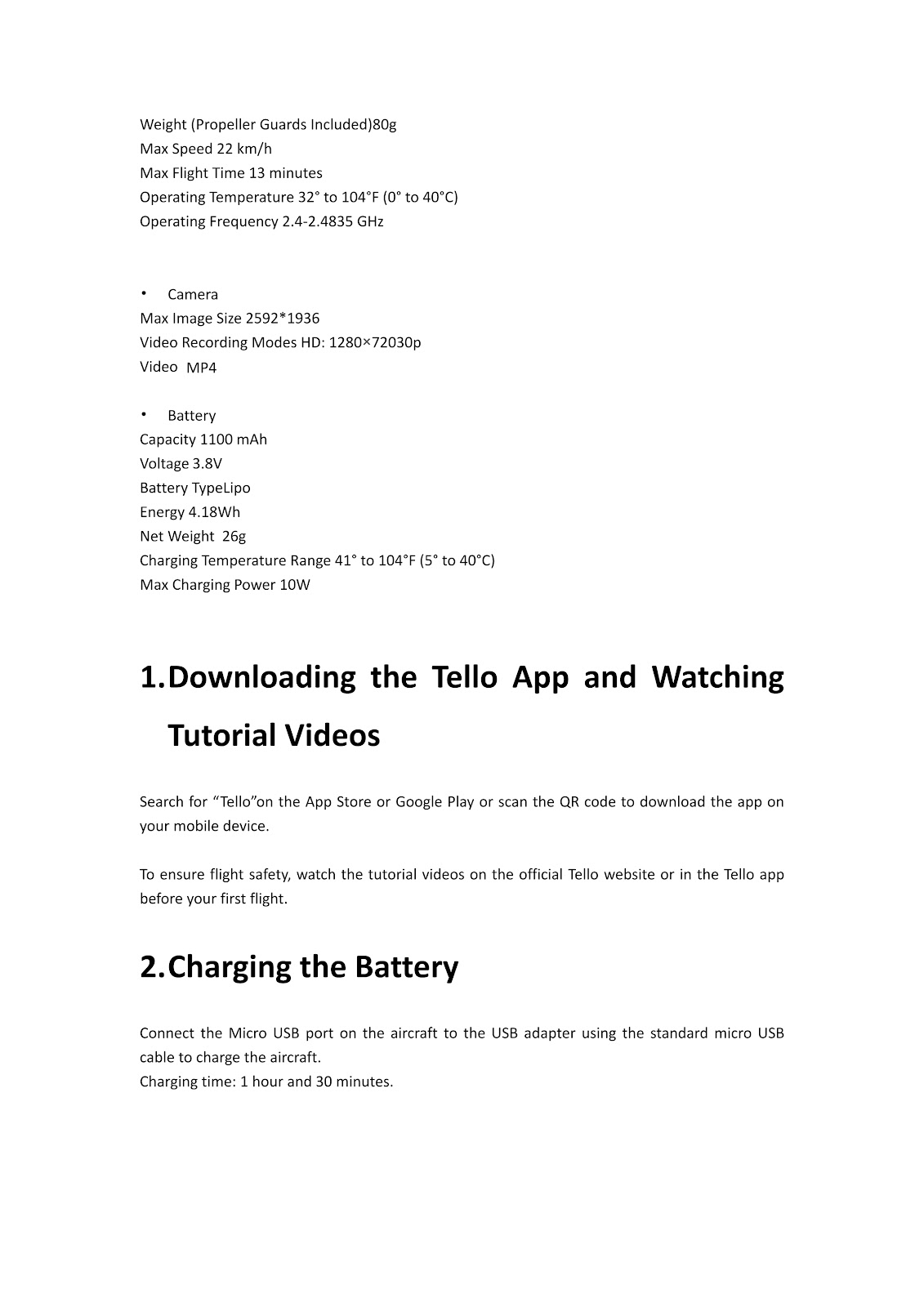
The specifications for the RYZE TELLO are as follows:
Aircraft (Model: TLW004)
| Weight (Propeller Guards Included) | 80g |
| Max Speed | 22 km/h |
| Max Flight Time | 13 minutes |
| Operating Temperature | 32° to 104°F (0° to 40°C) |
| Operating Frequency | 2.4-2.4835 GHz |
Camera
| Max Image Size | 2592*1936 |
| Video Recording Modes | HD: 1280×72030p |
| Video | MP4 |
Battery
| Capacity | 1100 mAh |
| Voltage | 3.8V |
| Battery Type | Lipo |
| Energy | 4.18Wh |
| Net Weight | 26g |
| Charging Temperature Range | 41° to 104°F (5° to 40°C) |
| Max Charging Power | 10W |
How do I get the app for my RYZE TELLO?
Search for “Tello” on the App Store or Google Play to download the app on your mobile device.
How do I charge the RYZE TELLO battery and know when it is full?
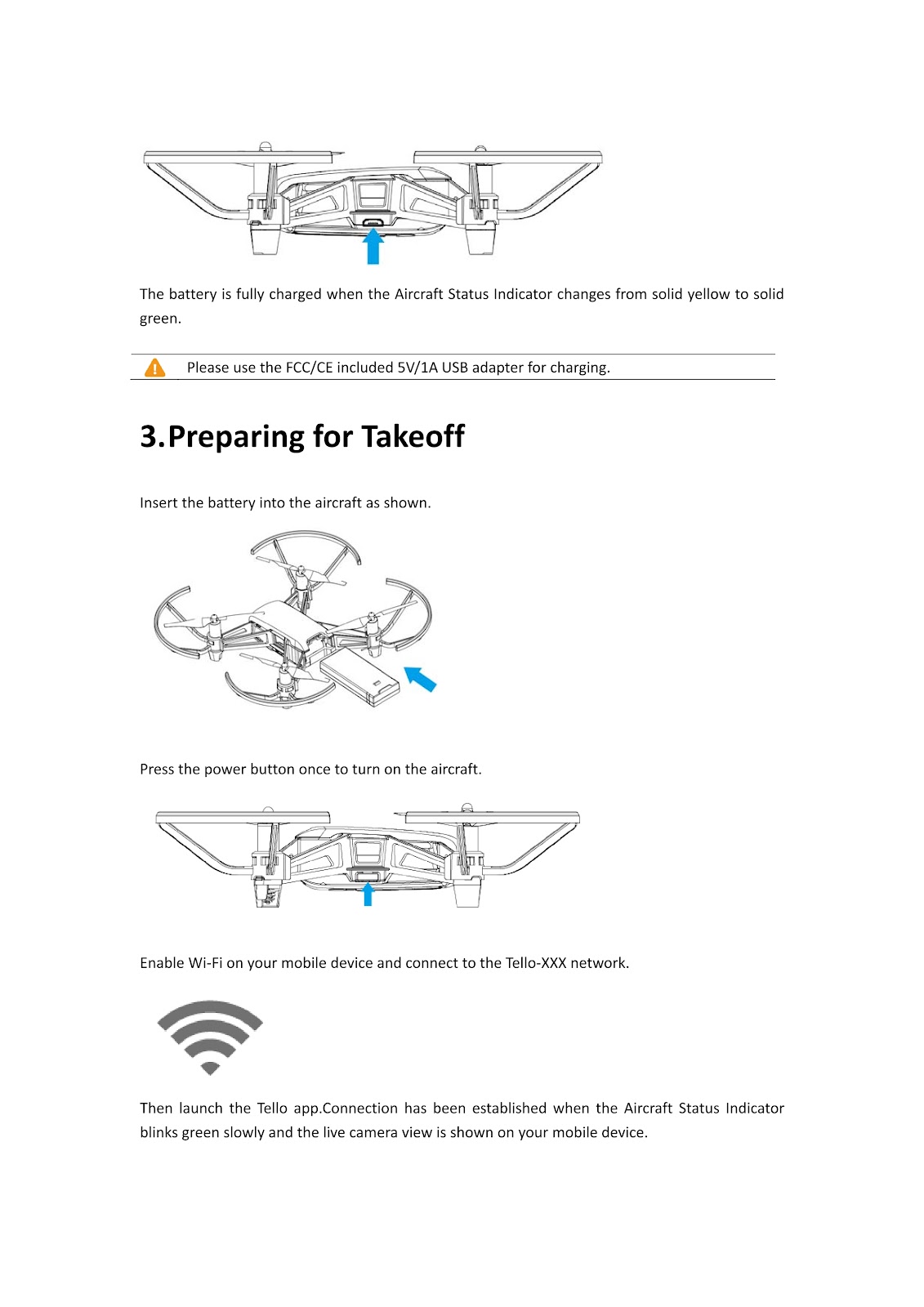
Connect the Micro USB port on the aircraft to the USB adapter using the standard micro USB cable to charge the aircraft. The charging time is approximately 1 hour and 30 minutes. The battery is fully charged when the Aircraft Status Indicator changes from solid yellow to solid green.
What kind of USB adapter is recommended for charging the RYZE TELLO?
Please use the FCC/CE included 5V/1A USB adapter for charging.
How do I prepare the RYZE TELLO for takeoff?
Follow these steps to prepare your RYZE TELLO for takeoff:
1. Insert the battery into the aircraft as shown in the guide.
2. Press the power button once to turn on the aircraft.
3. Enable Wi-Fi on your mobile device and connect to the Tello-XXX network.
4. Launch the Tello app.
How do I know when the RYZE TELLO has connected to my mobile device?
A connection has been established when the Aircraft Status Indicator on the RYZE TELLO blinks green slowly and the live camera view is shown on your mobile device.
How do I fly the RYZE TELLO?
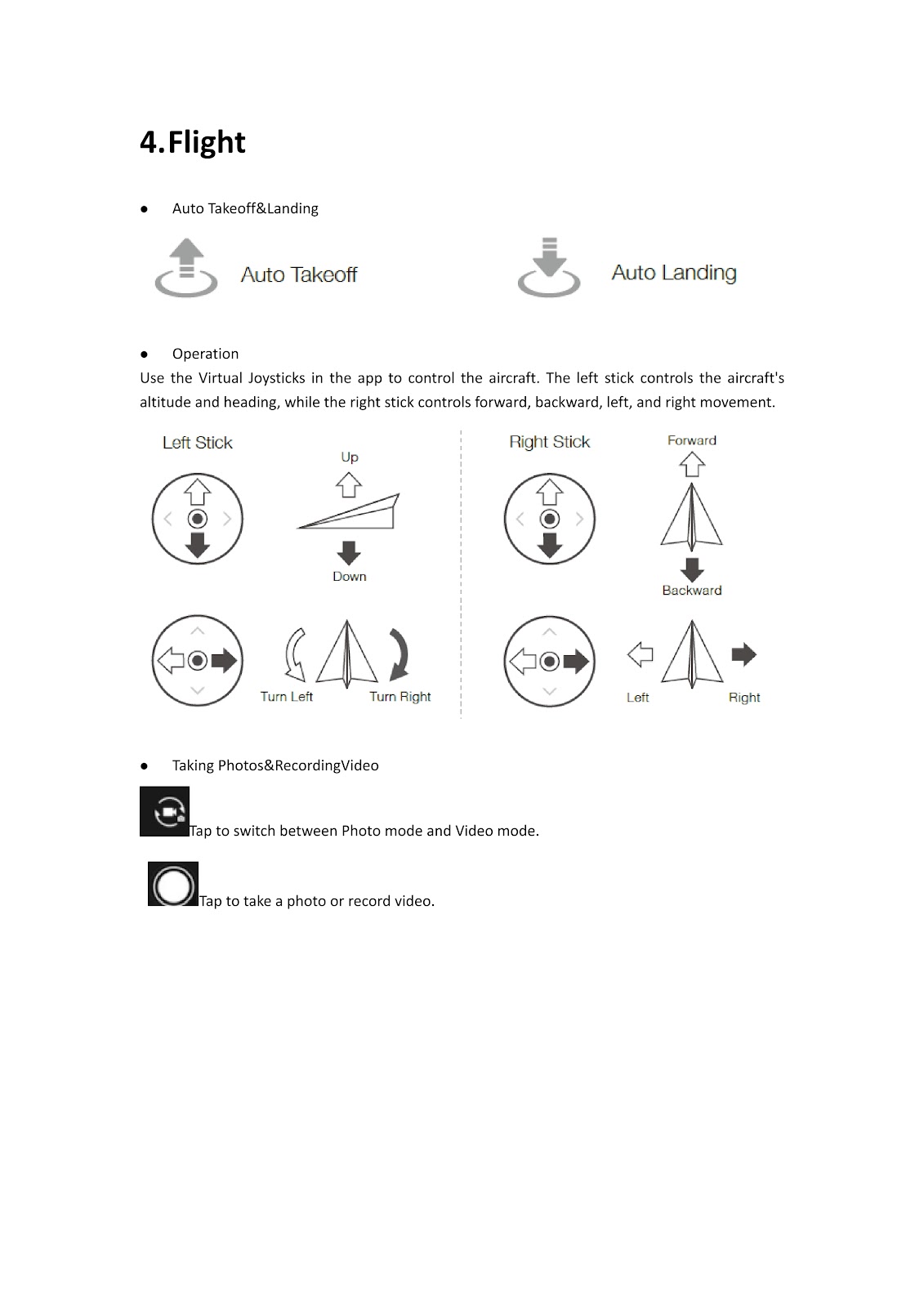
Auto Takeoff & Landing:
Use the Auto Takeoff and Auto Landing icons within the app for automated flight.
Manual Operation:
Use the Virtual Joysticks in the app to control the aircraft.
• The left stick controls the aircraft’s altitude (up/down) and heading (turn left/turn right).
• The right stick controls forward, backward, left, and right movement.
How do I use the camera on the RYZE TELLO?
Within the Tello app, tap the corresponding icon to switch between Photo mode and Video mode. Tap the icon again to take a photo or record a video.
What should I do if the RYZE TELLO causes interference?
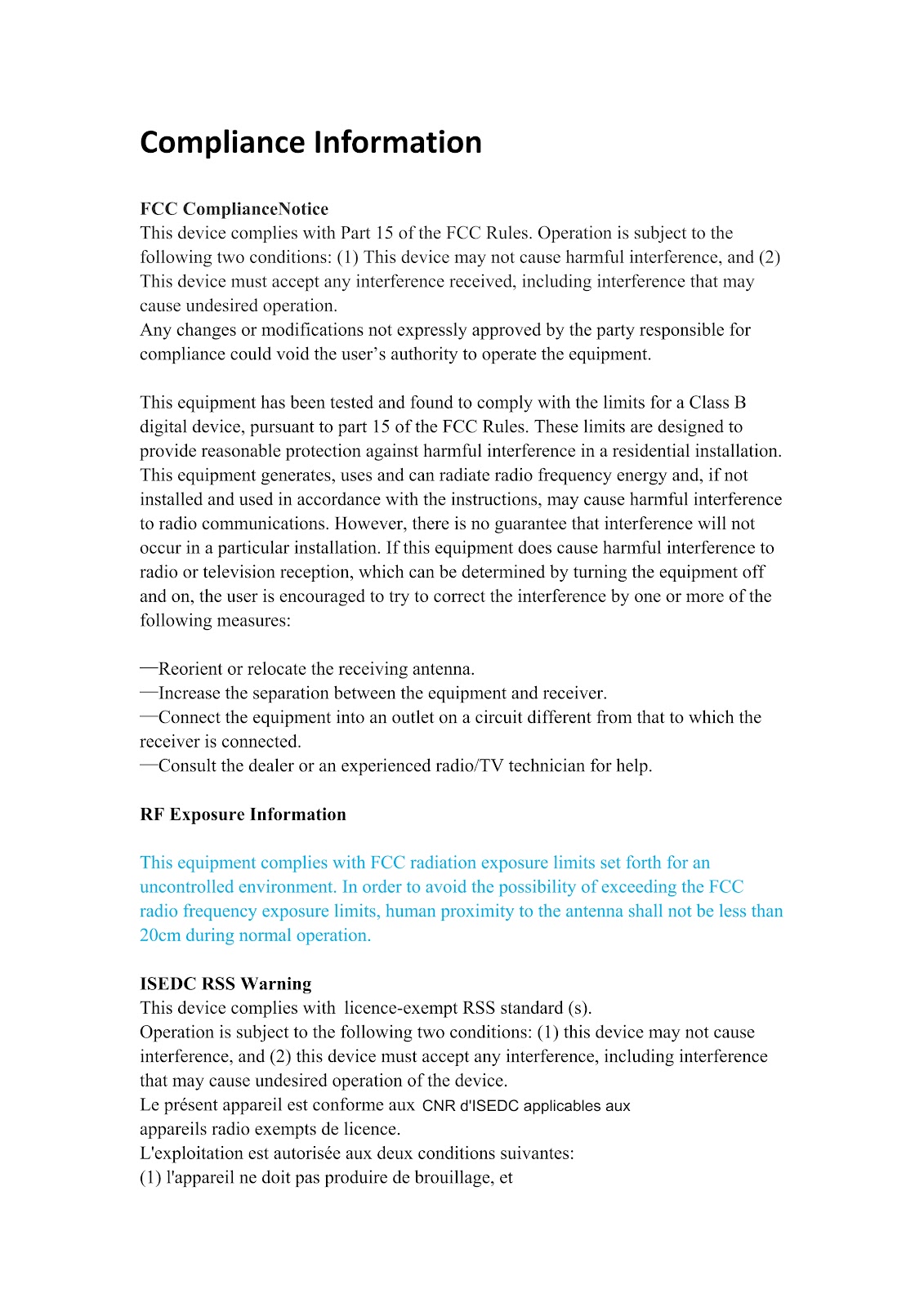
If this equipment does cause harmful interference to radio or television reception, which can be determined by turning the equipment off and on, the user is encouraged to try to correct the interference by one or more of the following measures:
-Reorient or relocate the receiving antenna.
-Increase the separation between the equipment and receiver.
-Connect the equipment into an outlet on a circuit different from that to which the receiver is connected.
-Consult the dealer or an experienced radio/TV technician for help.
What is the RF exposure information for the RYZE TELLO?
This equipment complies with FCC radiation exposure limits set forth for an uncontrolled environment. In order to avoid the possibility of exceeding the FCC radio frequency exposure limits, human proximity to the antenna shall not be less than 20cm during normal operation.
What is the proper way to dispose of the RYZE TELLO?
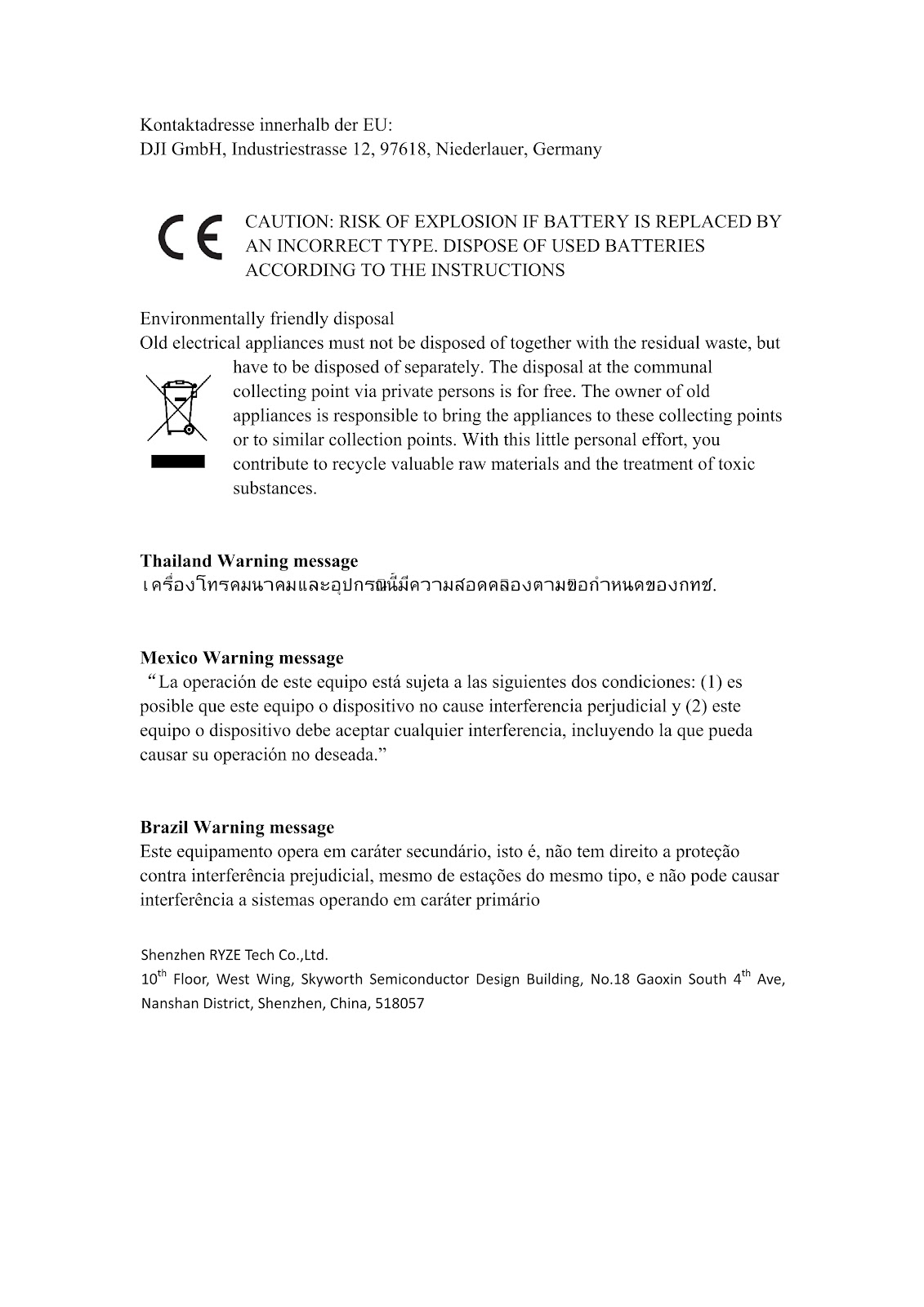
For environmentally friendly disposal, old electrical appliances must not be disposed of together with the residual waste, but have to be disposed of separately. The disposal at the communal collecting point via private persons is for free. The owner of old appliances is responsible to bring the appliances to these collecting points or to similar collection points. With this little personal effort, you contribute to recycle valuable raw materials and the treatment of toxic substances.
What is the caution regarding battery replacement for the RYZE TELLO?
CAUTION: RISK OF EXPLOSION IF BATTERY IS REPLACED BY AN INCORRECT TYPE. DISPOSE OF USED BATTERIES ACCORDING TO THE INSTRUCTIONS.
How to use the PDF below:
* Touchscreen: Swipe up/down with-in the PDF to scroll and pinch or spread with two fingers to zoom.
* Mouse: While your mouse is hovering over the PDF, use the mouse wheel to scroll and click on the – / + buttons at the bottom of the PDF to zoom.


CLICK HERE TO DOWNLOAD RYZE TELLO (02) PDF DOCUMENT